YouTube view orders on BoostMe.com follow a path the site describes in its own pages, from the first look at the packages to a message to support weeks later. This article follows that path stage by stage, describing what you see, what the site says should happen and what YouTube may do along the way.
The journey in short:
- Landing on the views page and comparing packages
- Choosing a size, a view type and a billing option
- Checking out with a handle or link
- The first minutes of delivery
- YouTube reviewing the new traffic
- Following up with support if the numbers change
YouTube View Orders on BoostMe.com Start on the Views Page
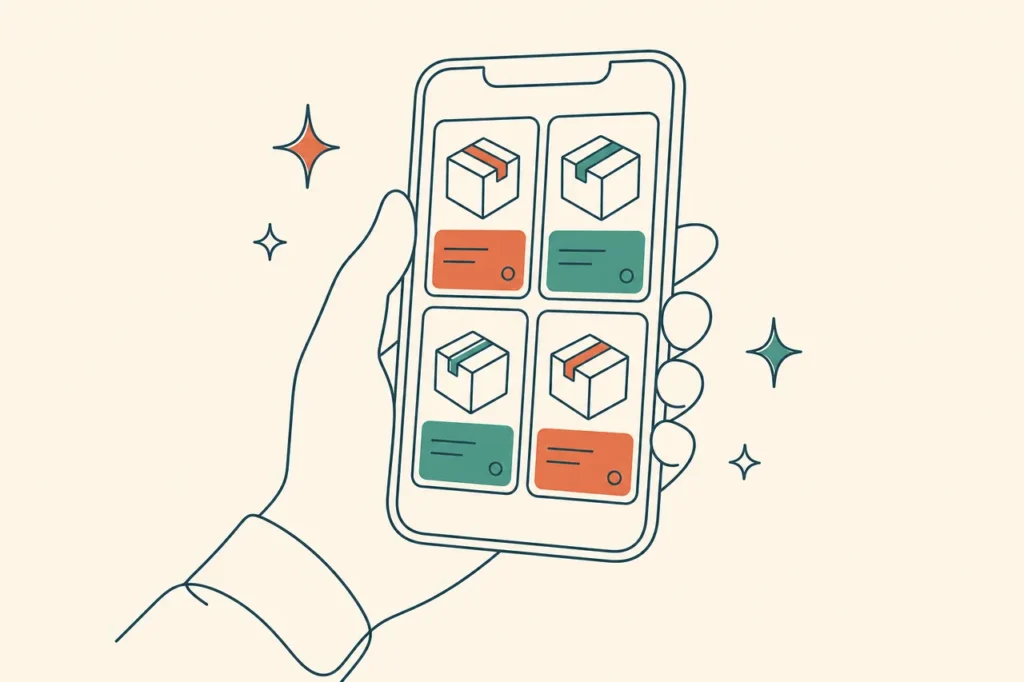
The journey starts on a page headed “Buy Youtube Views – Grow Your Channel Safely”. Tabs at the top switch between Views, Subscribers and Likes, and below them sits a grid of twelve view packages.
Before you scroll, the page has already made its main promises. It talks about growth, monetization potential, organic methods and safety. Further down, it shows its own rating of 4.9 out of 5 from 456 reviews and says 135,987 people have bought more than once.
Note. The rating and repeat buyer figures are published by BoostMe on its own page. They have not been independently verified for this article.
Most visitors also pass a three-step summary labelled Explore, Checkout and Boost, which is the site’s own short version of the journey described here.
Stage Two Is Picking a Size and a Billing Plan
Next comes the first real decision. The packages run from 500 views at $6.78 to 500,000 views at $648.00, each with a percentage badge, and the page describes two kinds of view, High Quality and Premium.
Once a package is selected, a purchase panel appears with two options.
| Option | How it is presented | What it means |
|---|---|---|
| One-time Purchase | Pay once | A single order with nothing to cancel |
| Subscribe and Save | Marked as recommended, save 10% | Monthly billing until you cancel through Customer Support |
A line under the Continue button says that continuing means agreeing to recurring monthly billing. This is the moment where a single order can turn into a subscription without the buyer quite meaning it.
Checkout Asks for Very Little
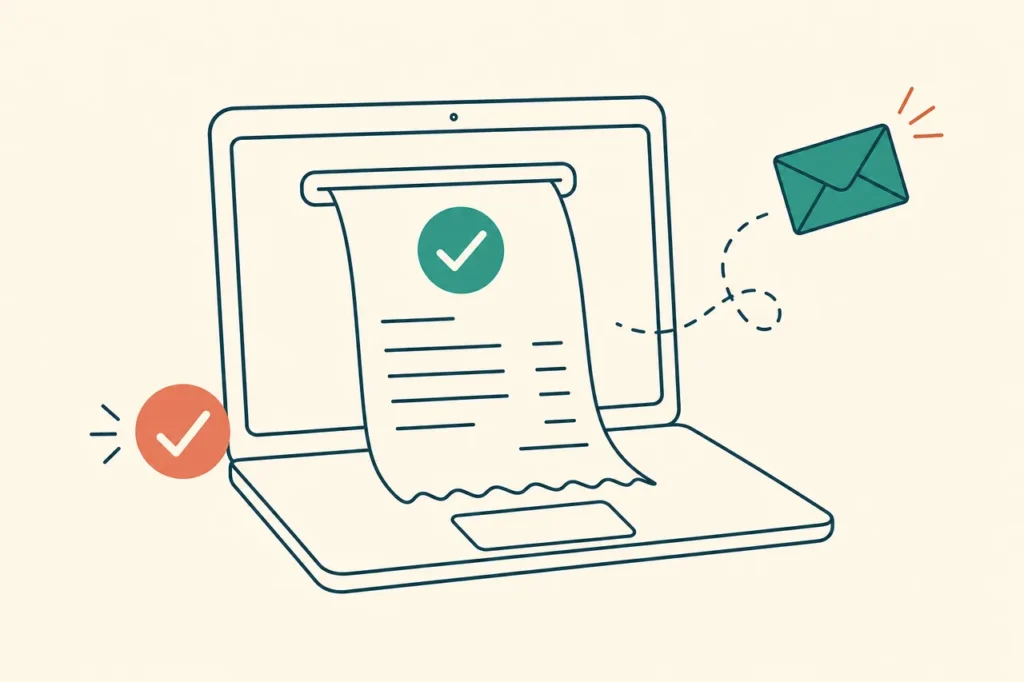
The site sums up checkout as entering account details and completing the order. In practice, the account detail is your YouTube username or link. The FAQ says BoostMe will never ask for your password, and the Terms say only a handle or link is needed.
What you hand over
- The handle or link the views should go to
- An email address, which the Privacy Policy says BoostMe stores
- Payment details, entered with PayPal according to the Privacy Policy, which says BoostMe does not store them
What can happen at this point
Most orders go straight through. The Terms allow two exceptions. A purchase judged high-risk can lead to a request for photo ID and possibly a bank statement, and an order based on inaccurate site information can be cancelled even after it is submitted.
The Privacy Policy also says that buying counts as consent to promotional SMS messages, which you can unsubscribe from later.
The First Minutes of Delivery
According to the FAQ, delivery begins within a minute of purchase and results show within minutes. This is the stage the site describes as Boost, or witnessing the boost.
During delivery, the site asks for one thing above all, which is that the profile, and in practice the video, stays public. The FAQ says you can change privacy settings once delivery is complete.
Tip. Leave the video untouched while the order runs. Switching it to private, unlisting it or replacing it with a re-upload can interrupt delivery.
The site does not publish how long each package takes to complete, so the end of this stage is not marked on any page. If timing matters, ask support before ordering.
Stage Five Belongs to YouTube
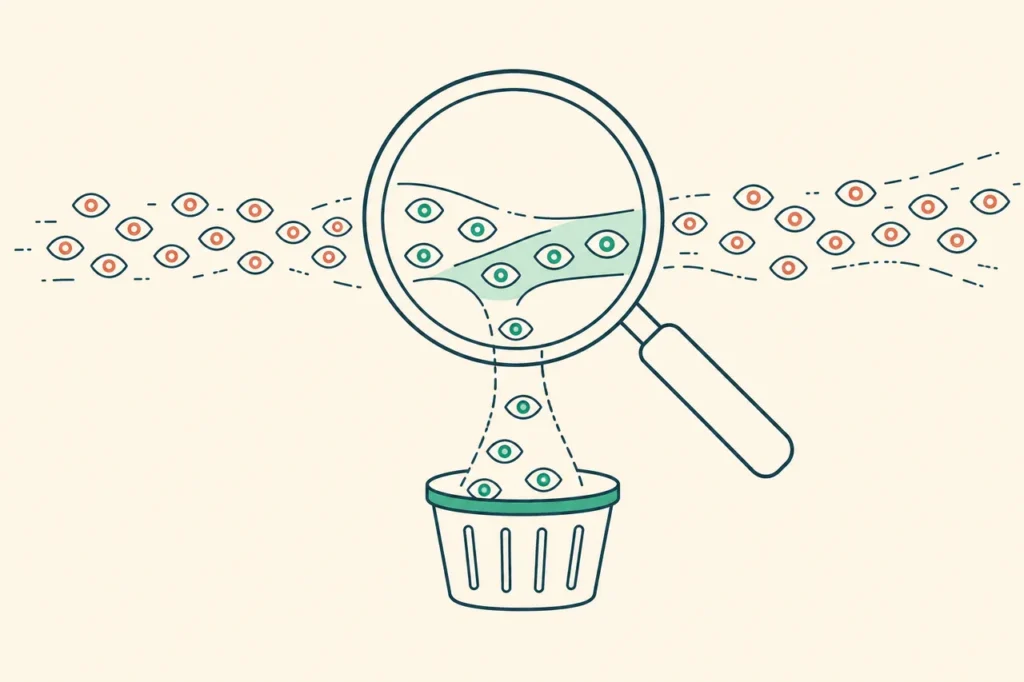
Here the journey leaves BoostMe’s hands. YouTube’s help centre says its systems take time to work out which views, likes and subscriptions are legitimate.
- YouTube may temporarily slow down, freeze or change a metric count
- It may discard low-quality playbacks
- Since 24 August 2026, it counts a view as soon as a video starts to play
- Its policy says artificial traffic is not counted and can lead to strikes
For the buyer, this means the number on day one is provisional. YouTube’s help page on how engagement metrics are counted sets out the process in its own words.
BoostMe’s Terms put the responsibility for following YouTube’s rules on the buyer and say BoostMe is not responsible for damage to accounts.
A Week After Delivery
Several days after the order, the picture is usually clearer than on day one. This is a good point to take stock before contacting anyone.
- Compare the current view count with the screenshot you took before ordering.
- Look at likes, comments and subscribers, not only views.
- Check YouTube Studio for any notice about your channel or the video.
- Decide whether a drop is large enough to ask for a refill.
If the video has had other traffic in the same week, such as a share from a friend, the comparison will be rough. A quiet video gives a cleaner read of what the order did.
Good to know. The Refund Policy does not state a time limit for refills, but the 30-day window for non-delivery claims runs from the order date. Check well inside that window.
Following Up With Support
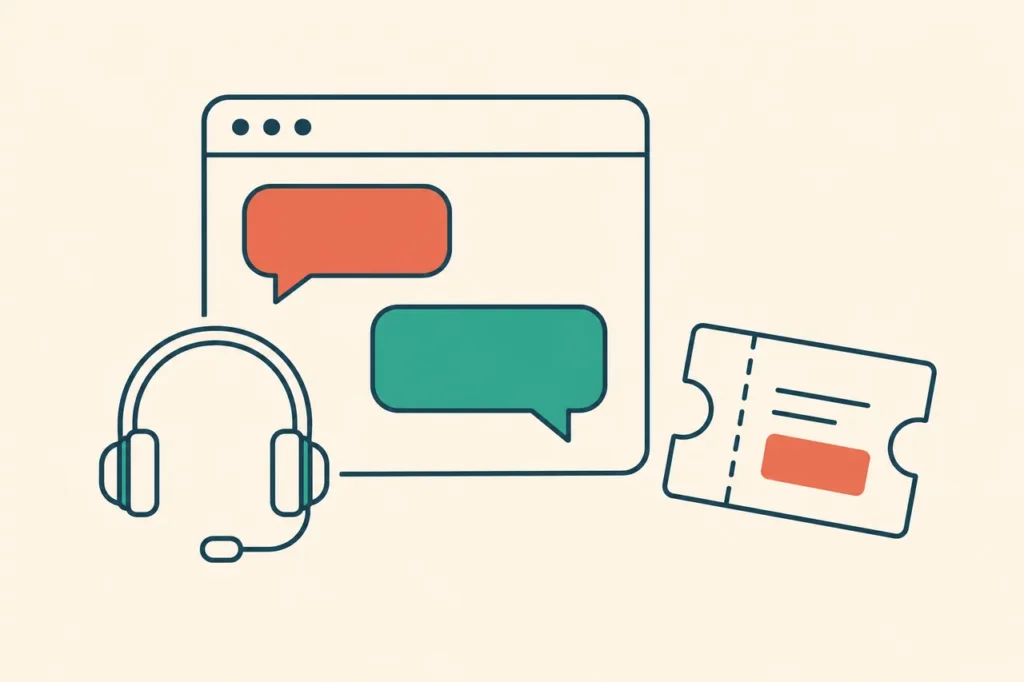
The last stage only happens if something looks wrong. Support is listed as available around the clock by phone, by email at support@boostme.com, through a contact form with an Order Complaint subject, and through live chat.
| What you notice | What the Refund Policy offers |
|---|---|
| The count dropped after delivery | A complimentary refill on request |
| The order never arrived | Delivery or a full refund, if raised within 30 days of the order date |
| The service did not match its description | A review, if reported within 30 days with clear evidence |
| The order arrived and you changed your mind | No refund for fully delivered, confirmed orders |
The policy says decisions take 1 to 3 business days, and approved refunds reach the original payment method within 10 to 15 business days.
Questions Along the Way
Can I track the order on the site?
The site’s five-step description ends with a Track and Adjust step, which suggests monitoring your progress. The pages read for this article do not describe an order dashboard, so the view count on YouTube and your confirmation email are the practical ways to follow an order.
Is a subscription order treated differently?
The Refund Policy does not mention subscriptions separately. Cancellation goes through Customer Support, according to the checkout note.
What should a support message include?
The Refund Policy asks for the order number, the social media handle or link and a detailed description of the request. Dated screenshots help if you are reporting a mismatch.
Does the journey change for business channels?
It should not start at all. The Terms prohibit commercial use and expressly bar businesses, or anyone acting for one, from using the services.
Looking Back at the Journey
Seen from start to finish, a BoostMe order is short on BoostMe’s side and open-ended on YouTube’s. The site handles the package, the checkout and the delivery within minutes. YouTube then decides, over days or longer, which of those views stay counted.
The stages where buyers most often need care are the billing choice at stage two and the follow-up at stage six. Knowing the Refund Policy before you reach either one makes both easier. This article is general information, not legal advice.